The easiest way to prepare your Chrome extension listing
easiest
Create and manage your Chrome Web Store listing. Get more organic installs, with less hassle.
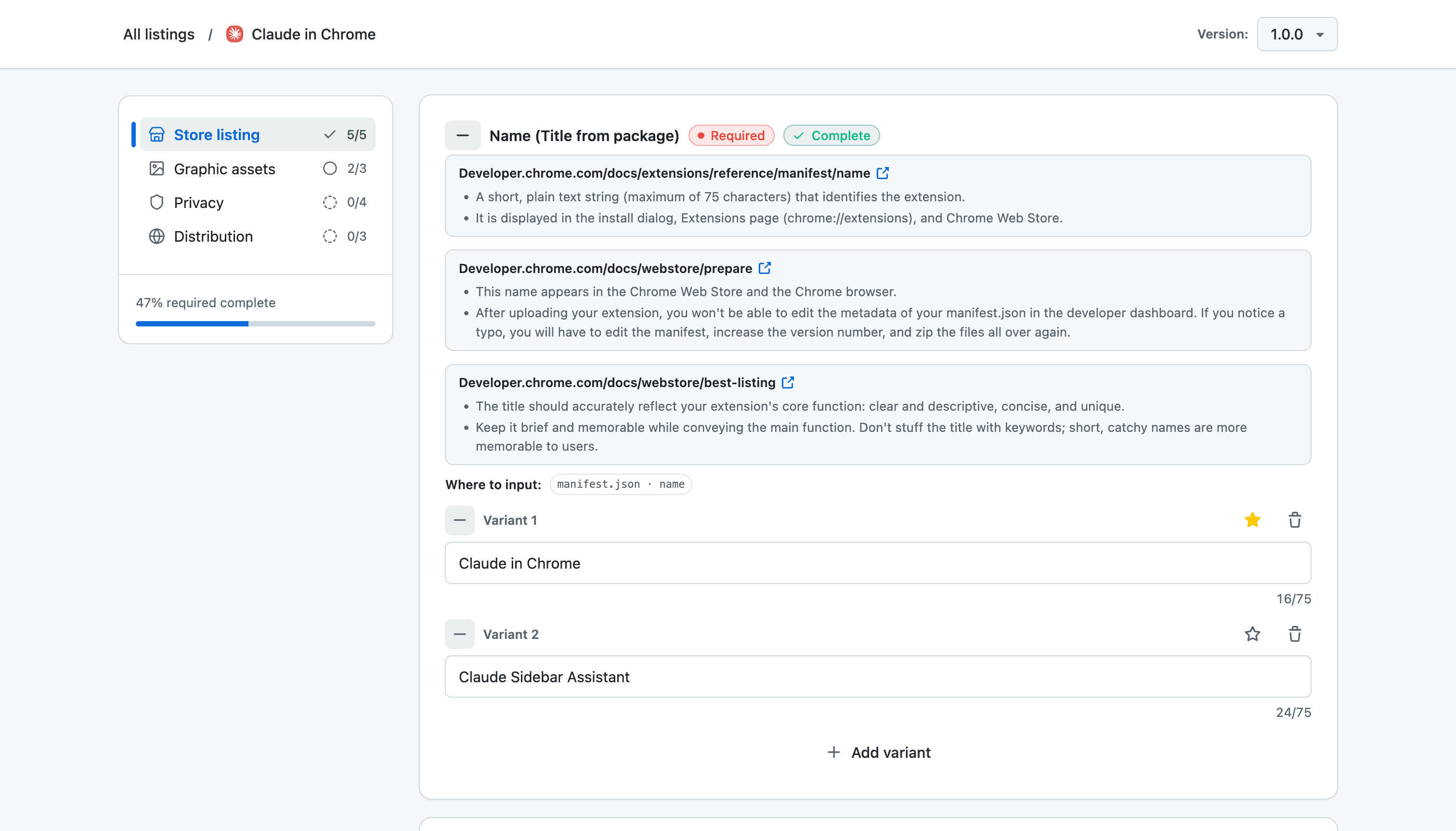
Create and manage your Chrome Web Store listing. Get more organic installs, with less hassle.
Create listings that stand out and get seen. Without it being tedious.
Hints and best practices for every field, with links to Chrome Web Store documentation.
Add multiple variants for names and descriptions. Ideate until you find the right text and keywords.
See when to use PNG vs JPEG and which dimensions are required vs recommended for each asset.
128×128 px is required before you can submit
Store icons, screenshots, and promo tiles in one place so you can find what you need quickly.
1 of 5 uploaded
Work on multiple versions at once to tinker with a draft, prep the next release, or track changes over time.
See what's required, what's optional, and what you've already completed before you submit.
50% required complete
Billed as $108/year
For hobbyists
Billed as $228/year
For serious extension developers
Billed as $588/year
For agencies and large portfolios